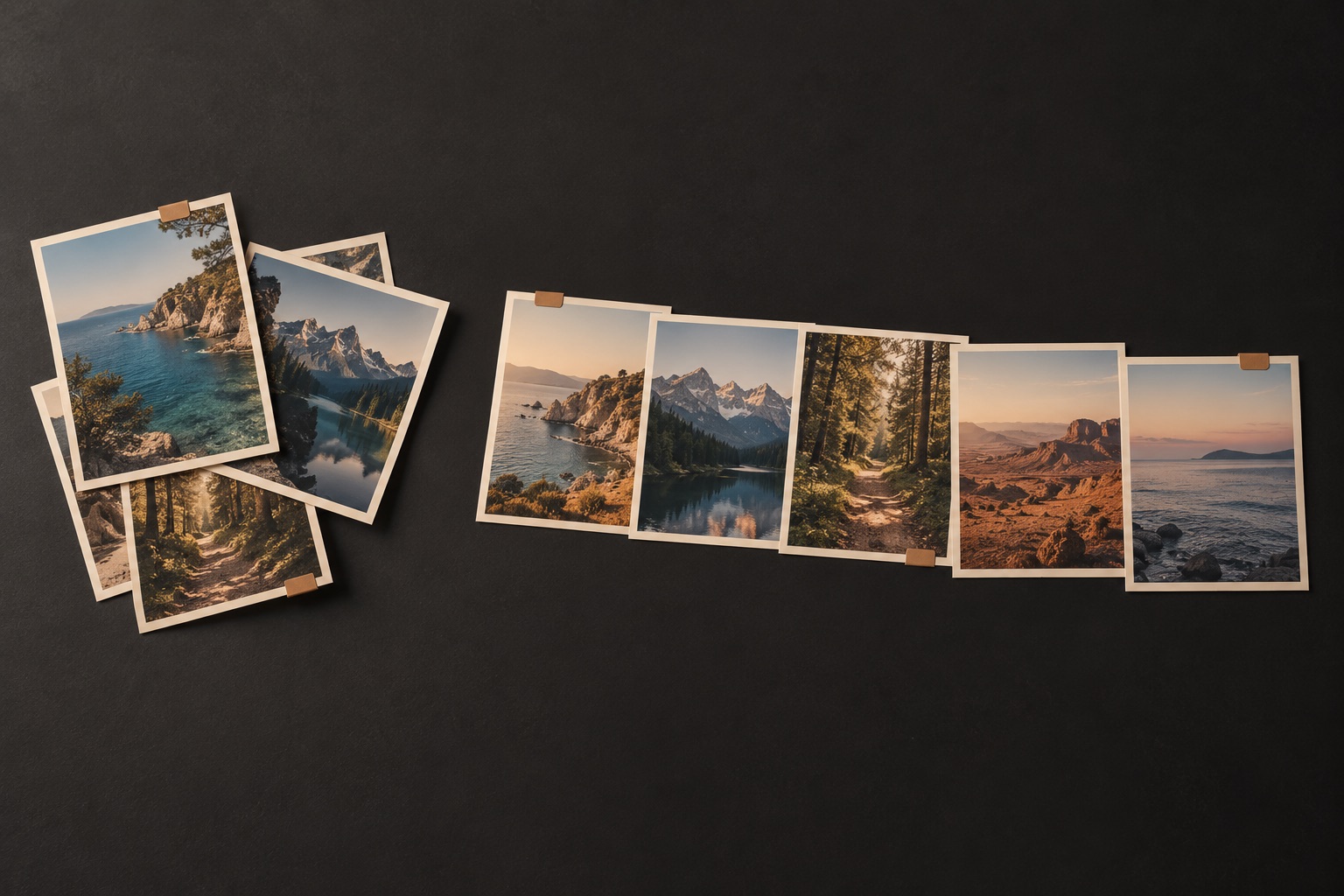
00:00 — From scattered to sorted. A Finder window shows phone backups, camera cards, and old drive folders. The next view shows photos and videos organized into dated folders.
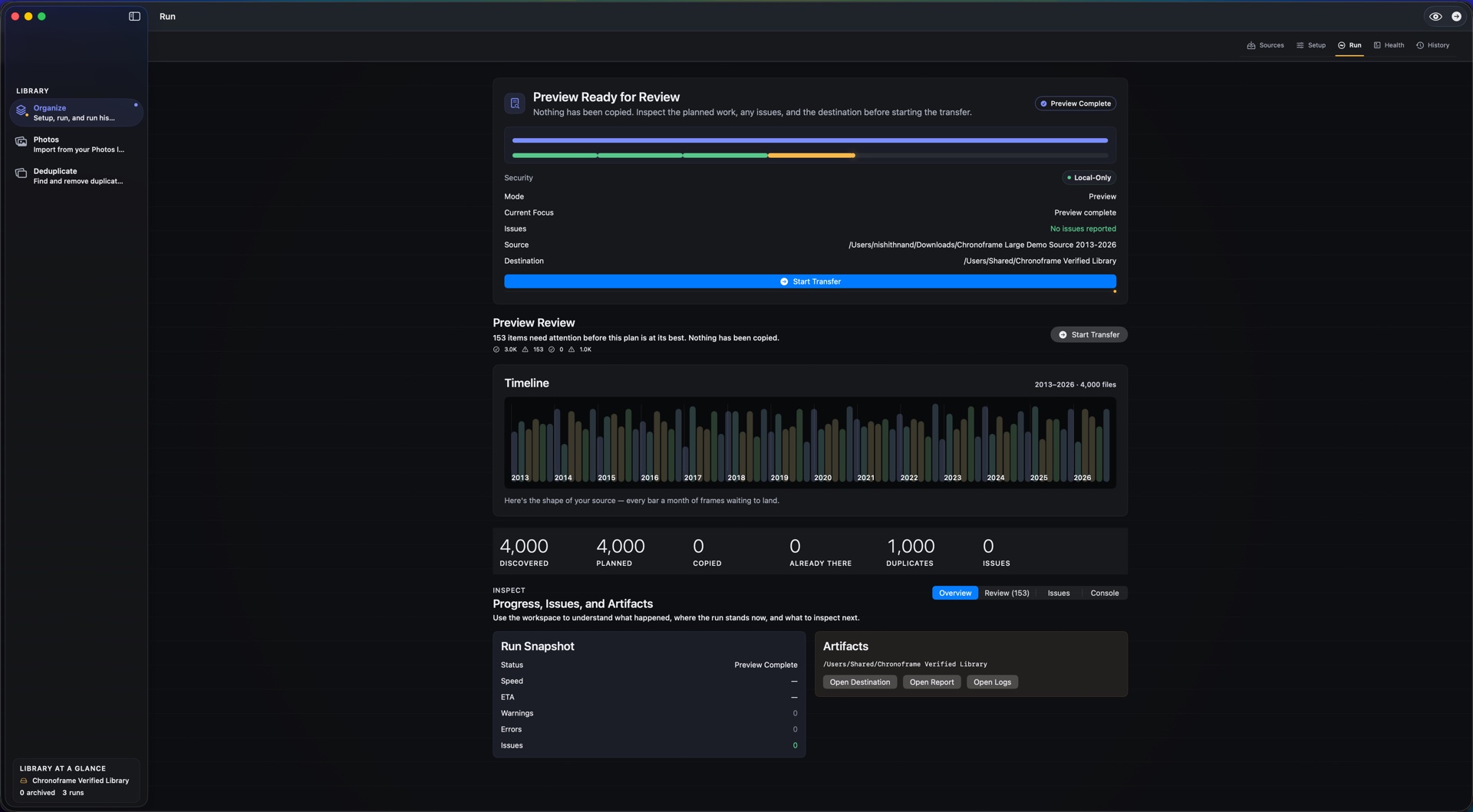
00:07 — See the plan, then say go. Chronoframe previews a staged library of 4,000 photos, with a timeline of where they belong. A completed transfer shows verified copies; the source files stay untouched. This is an edited demonstration, not a speed benchmark.
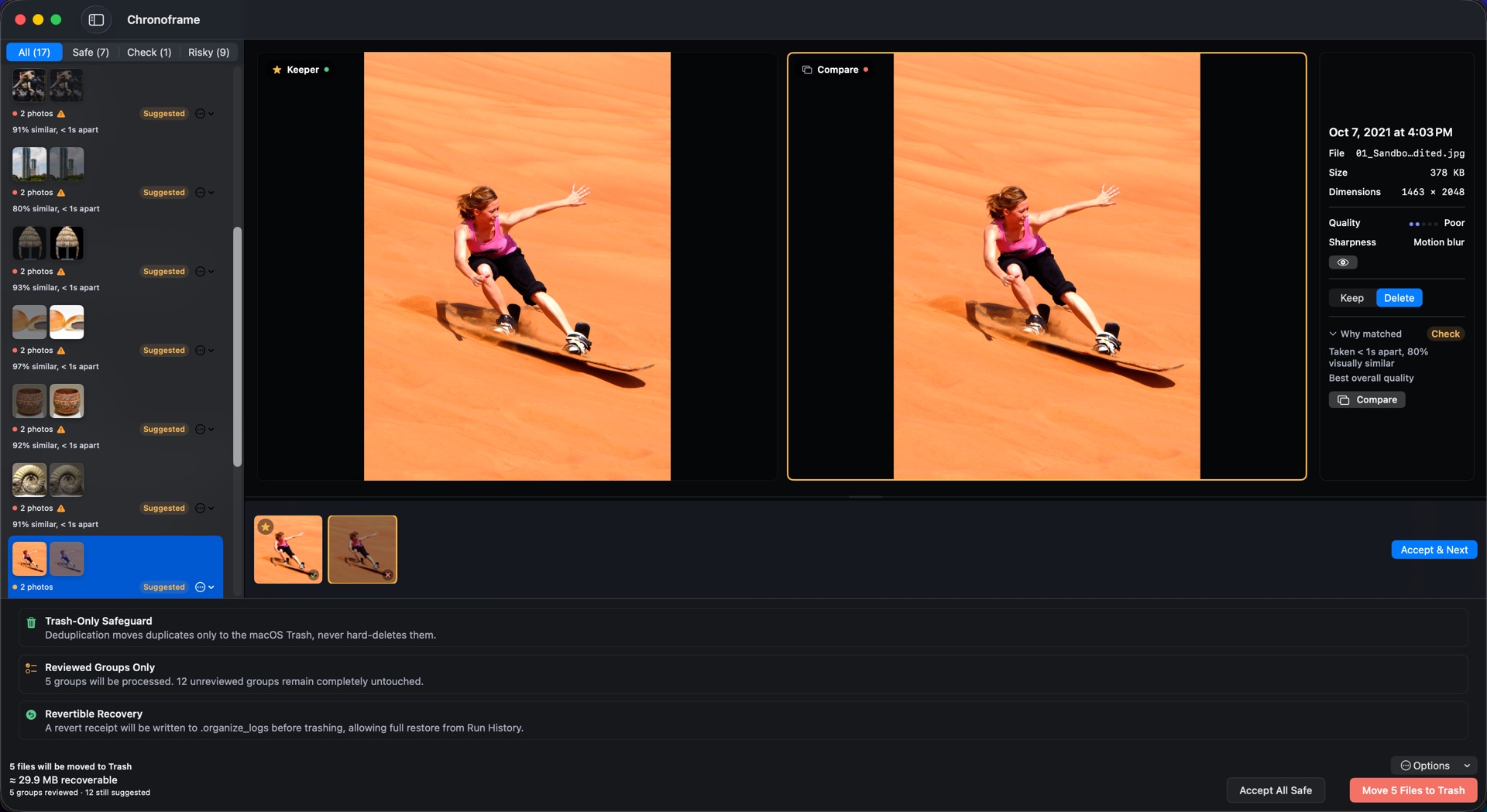
00:24 — Keep the moments, lose the extras. Two versions of a sandboarding photo appear side by side. The keeper is chosen, the selected extras are reviewed, and a confirmation asks for approval to move them to macOS Trash.
00:40 — Changed your mind? Run History opens a receipt, confirms a revert, and shows a file restored. Restore needs the recorded file to remain in Trash with matching contents; it cannot recover an emptied Trash.
00:50 — All on your Mac. The film closes with local processing, no photo uploads, and Chronoframe’s website. There is instrumental music and no speech.
Recorded with a development build; screens may vary by version. Photo: Steven J. Weber / U.S. Navy, public domain. Open the video directly.
 Chronoframe